Best Sales Automation Software for Small Businesses in 2026



Anya Vitko
Contents
- What Is Sales Automation for Small Business?
- Why Small Businesses Need Sales Automation Now
- Top 7 Sales Automation Tools for Small Business
- 1. Yesware: The Fastest Path to Sales Productivity
- 2. HubSpot Sales Hub: The AI-Powered CRM
- 3. Pipedrive: Activity-Based Sales Management
- 4. Zapier: The Custom Workflow Engine
- 5. Apollo.io: The Prospecting Powerhouse
- 6. Hunter.io: Precision Email Discovery
- 7. Calendly: Scheduling Automation
- How to Choose the Best Sales Automation Software for Your Small Business
- Stop Working Harder, Start Selling Smarter
- Best Sales Automation Software for Small Businesses FAQs
Most small business sales teams spend most of their day on manual administrative tasks like data entry and follow-up emails rather than actually selling.
While you are buried in your inbox manually typing the same “just checking in” message for the 50th time, your competitors are using automation to engage your prospects the second they show interest. Every hour spent on manual tasks is an hour a lead goes cold, and for a small team, that lost momentum is expensive.
You do not need a complex, six-figure enterprise platform to win. The best sales automation software for small business is easy to set up, lives where you already work, and delivers an immediate return on your time.
 All-in-one sales toolkitSource leads, automate outreach and tasks, and measure engagement
TL;DR
- Top Pick: Yesware is the overall best for small businesses due to its 60-second setup and ability to automate 1:1 outreach directly from your inbox.
- Key Insight: Automation saves sales reps an average of 4–6 hours per week on repetitive tasks.
- Core Action: Prioritize tools that offer email tracking, automated sequences, and CRM integration to maximize efficiency without technical complexity.
What Is Sales Automation for Small Business?
Sales automation software for small business refers to digital tools designed to handle repetitive, manual tasks throughout the sales process.
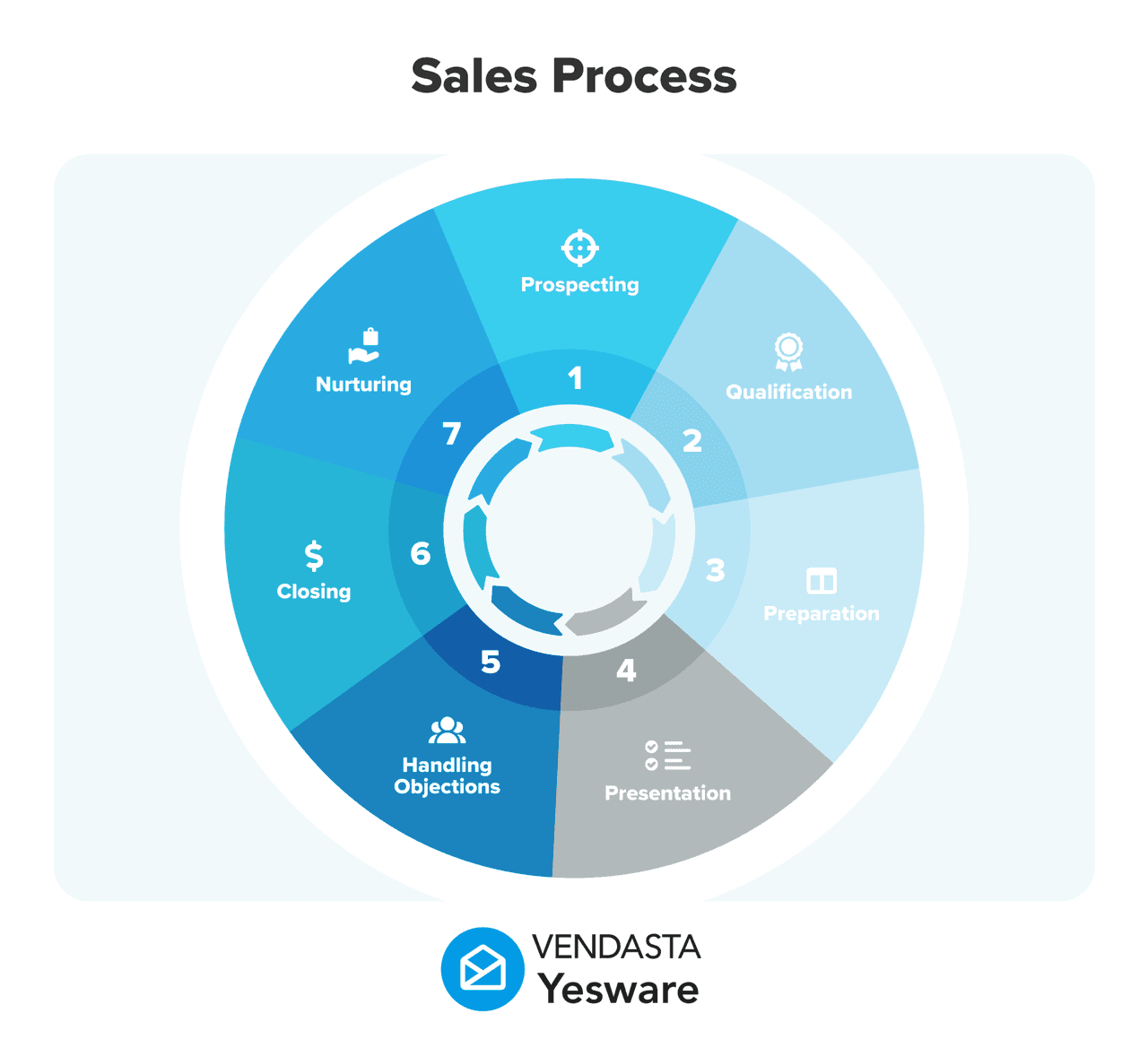
These tools automate email follow-ups, lead enrichment, meeting scheduling, and data entry, allowing small teams to scale their outreach and increase their reply rates without hiring additional staff.
Unlike enterprise software that requires months of IT implementation and extensive training, SMB-focused automation is typically “plug-and-play.”
These solutions often live directly within your existing Gmail or Outlook inbox, ensuring that your team can start selling smarter in minutes rather than weeks.
Why Small Businesses Need Sales Automation Now
The landscape of sales has shifted. In a world where responsiveness is a competitive advantage, manual processes are a liability.
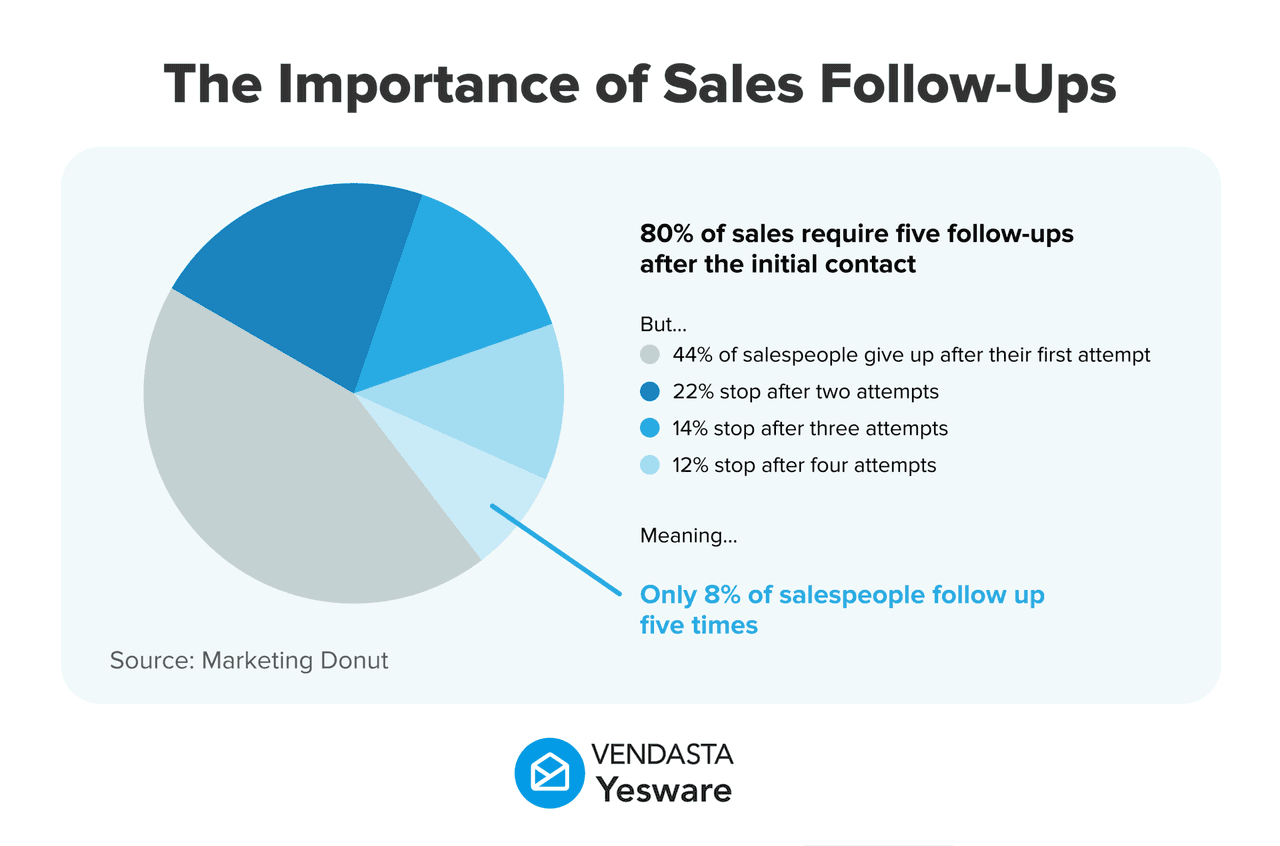
Recent market data shows that small businesses using automation see a 15% increase in revenue simply due to better lead prioritization and faster follow-up times.
The goal of automation is not to replace the salesperson with a robot. Instead, it is about automating the delivery so you can focus on the personalization.
When you automate the “when” and “how” of an email being sent, you free up mental space to ensure the “what”—the actual message—is human and relevant.
Top 7 Sales Automation Tools for Small Business
| Tool | Best For | Key Feature | Setup Time |
| Yesware | Sales Outreach Inside Gmail & Outlook | Automated campaigns & tracking | < 60 Seconds |
| HubSpot | All-in-One CRM | Free basic automation tools | Moderate |
| Pipedrive | Visual Pipeline Management | Deal movement triggers | Fast |
| Zapier | Connecting Apps | Custom workflow “Zaps” | Variable |
| Apollo.io | Prospecting & Data | Massive B2B lead database | Moderate |
| Hunter.io | Email Verification | Finding prospect contact info | Fast |
| Calendly | Meeting Scheduling | Automated booking links | Fast |
1. Yesware: The Fastest Path to Sales Productivity
Yesware is often called the “Salesperson’s Secret Weapon” because it turns your existing Gmail or Outlook inbox into a 1:1 sales powerhouse without any of the enterprise clutter. It is designed specifically for teams that need high-impact results without a steep learning curve.
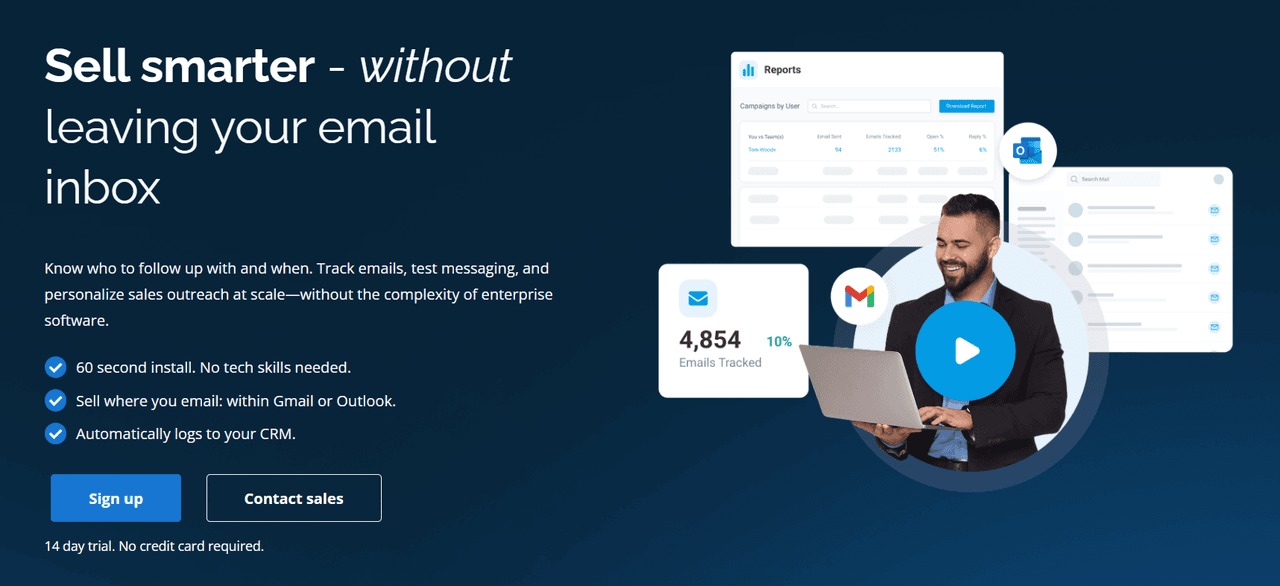
Start Selling in 60 Seconds
One of the biggest hurdles for small businesses is “implementation failure”—buying a tool that is too hard to set up. Yesware requires no IT support.
You can install it and start tracking emails in about a minute. Because it works right inside your existing email environment, there is no new software to master.
Personalize 1:1 Outreach at Scale
The Campaigns feature allows you to automate a series of follow-up emails while maintaining a human touch.
You can save 4–6 hours per week by letting the system handle the “touches” while you focus on prospects who actually engage.
Know Who to Follow Up With and When
Stop guessing if your sales pitch was read. Yesware provides real-time notifications the moment a prospect opens an email or clicks a link.
This allows you to follow up 50% faster, reaching out exactly when you are top-of-mind for the customer.
2. HubSpot Sales Hub: The AI-Powered CRM
HubSpot has evolved into a comprehensive “Smart CRM” that combines marketing, sales, and service into one ecosystem. For small businesses that want their automation and their database in the same place, it is a formidable option.
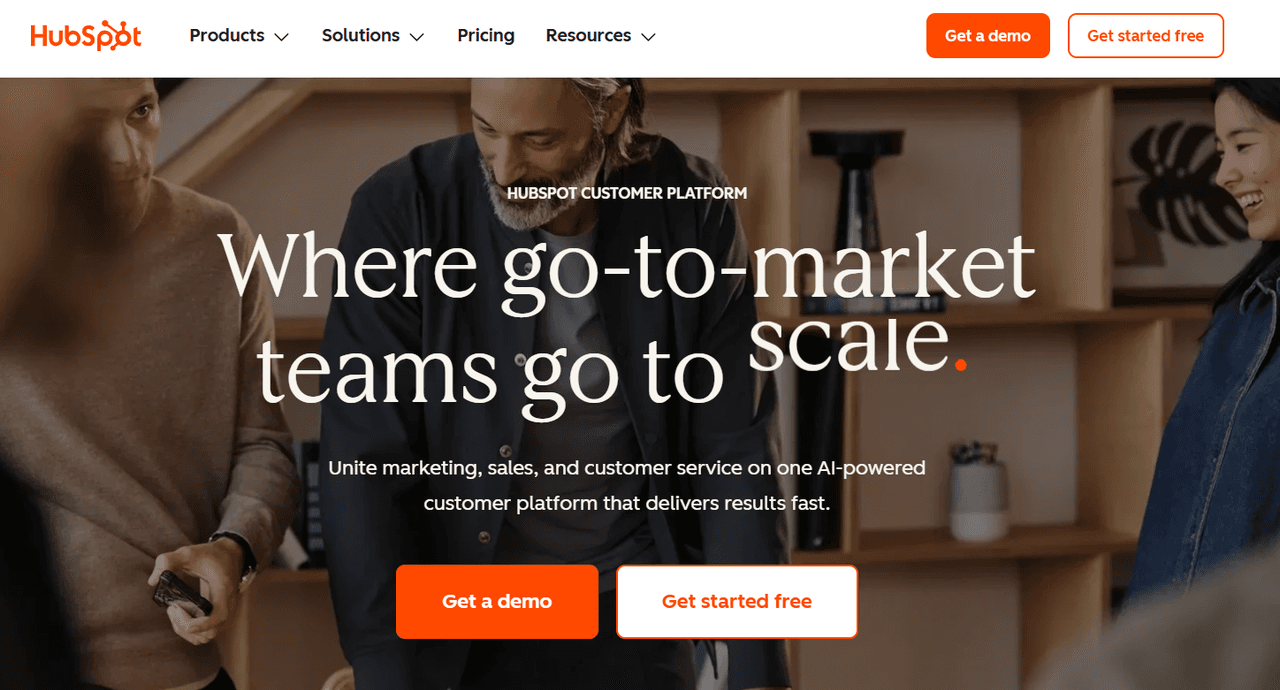
Native AI with “Breeze”
In 2026, HubSpot’s “Breeze” AI agents handle the heavy lifting. The Breeze Prospecting Agent can automatically research leads and send proactive outreach, while the AI Email Assistant helps you draft contextually relevant replies based on your CRM data.
Streamlined Prospecting Workspace
The Sales Hub includes a dedicated workspace for reps to manage their daily activities. It surfaces the most relevant leads and tasks in a “smart queue,” ensuring that small teams aren’t overwhelmed by their database.
Growth Constraints
While powerful, HubSpot’s complexity can be a double-edged sword. As you move beyond the free tier, the “Professional” and “Enterprise” plans can become significantly expensive for a small business. It is best for teams that have a dedicated person to manage the CRM and its various moving parts.
3. Pipedrive: Activity-Based Sales Management
Pipedrive is built around the philosophy that you can’t control results, but you can control the actions that lead to them. It is highly visual and focused on moving deals through a pipeline.
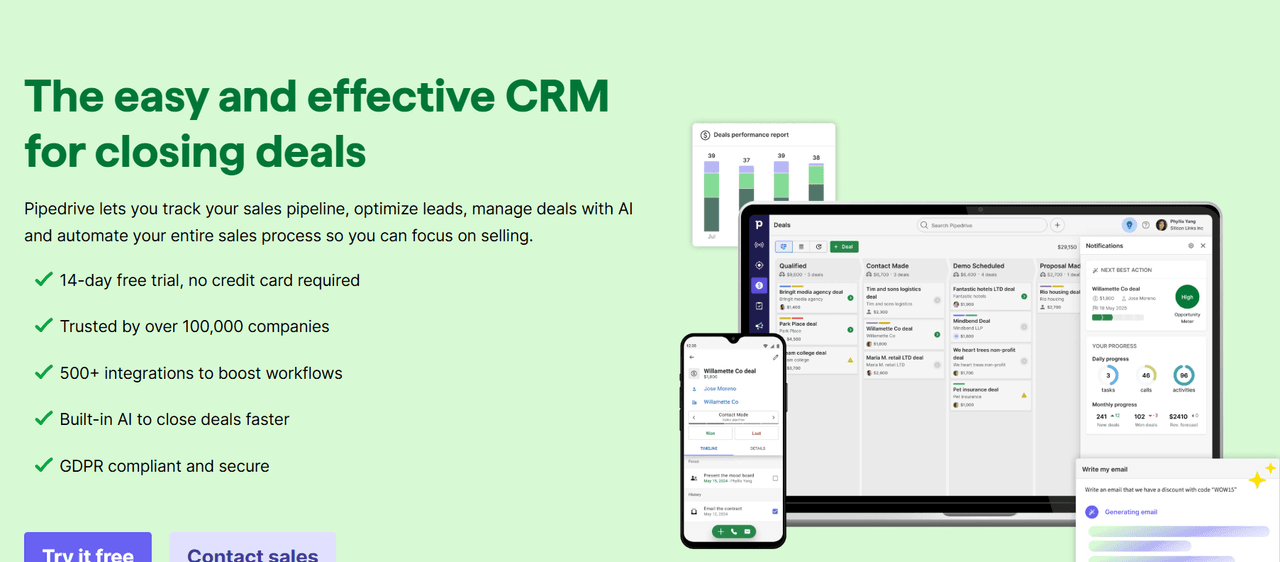
AI Sales Assistant
Pipedrive’s AI Sales Assistant analyzes your past deal performance to recommend the “next best action.” It can flag deals that are at risk of going cold or highlight “Better Opportunity” deals that have a higher probability of closing based on historical patterns.
Pipeline Automation
You can automate almost any repetitive task using their 36+ pre-built workflow templates. For instance, when a deal moves to a new stage, Pipedrive can automatically send a personalized email, create a task for a manager, or move the deal to a different pipeline.
Visual Simplicity
The Kanban-style board is incredibly intuitive for small teams. It provides a clear “at-a-glance” view of your sales health, which helps managers stay on top of team performance without needing to dig through complex reports.
4. Zapier: The Custom Workflow Engine
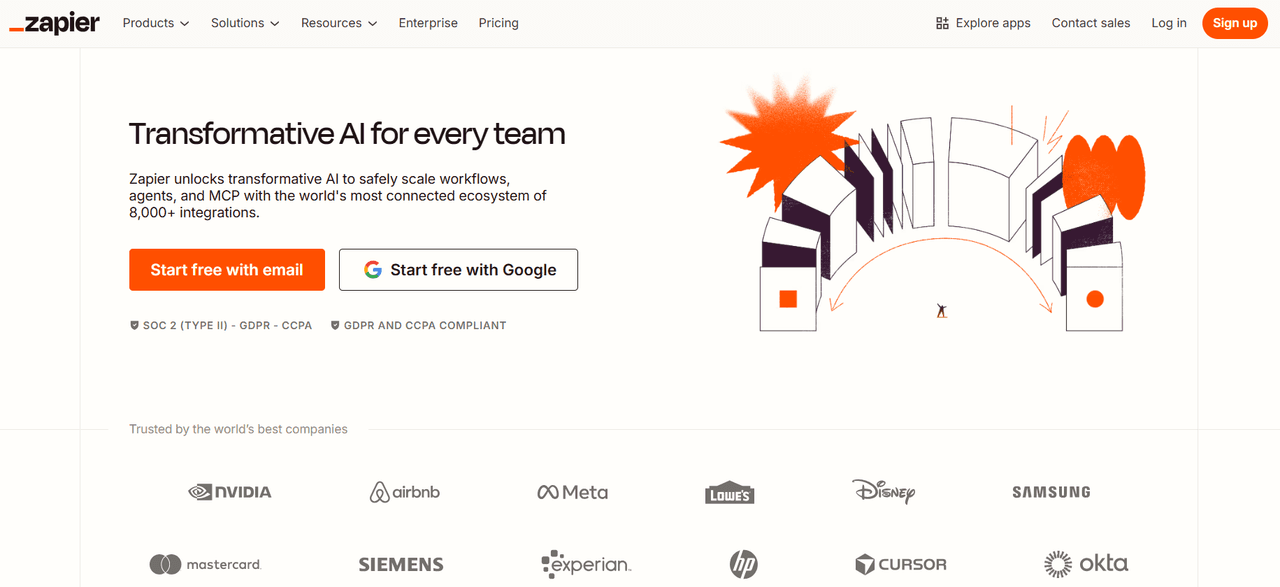
Zapier is the “glue” that connects over 6,000 different applications. For small businesses that use a variety of niche tools, Zapier allows you to build a custom sales stack that functions as a single, unified system.
AI-Generated “Zaps”
In 2026, you no longer need to manually map out every step of an automation. You can simply describe the workflow you want, such as “When a new lead fills out my Typeform, send their details to Yesware and notify me in Slack,” and Zapier’s AI will build the workflow for you.
Eliminating Manual Data Entry
Zapier’s primary value for sales is the “Quote-to-Cash” automation. It can take a signed contract from DocuSign, update the deal in your CRM, generate an invoice in QuickBooks, and send a thank-you note to the client, all without a human touching a keyboard.
Scaling Without Headcount
By automating these “micro-tasks,” small businesses can handle a much higher volume of leads.
5. Apollo.io: The Prospecting Powerhouse
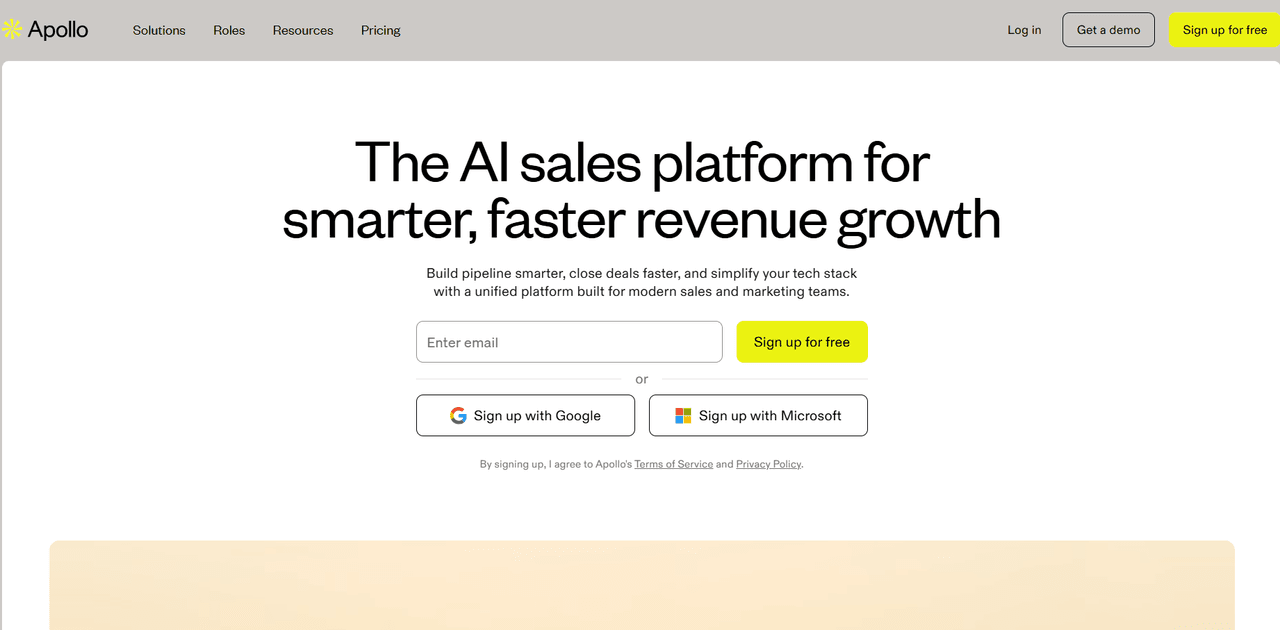
Apollo.io combines a massive B2B database of over 275 million contacts with the automation tools needed to reach them. It is arguably the most powerful tool for “top-of-funnel” lead generation for small businesses.
Buying Intent and Advanced Filters
Apollo allows you to filter leads not just by job title, but by Buying Intent. You can see which companies are currently researching topics related to your product, allowing you to reach out to prospects who are already in a “buying window.”
Multichannel Sequences
Unlike simple email tools, Apollo supports Multichannel Outreach. A single sequence can include automated emails, LinkedIn connection requests, and tasks for phone calls. This ensures your small business stays top-of-mind across multiple platforms.
Data Enrichment
If you already have a list of leads but are missing their direct dials or verified emails, Apollo’s Waterfall Enrichment pulls from multiple data providers to find the most accurate contact information, boasting an 88% accuracy rate in the US.
6. Hunter.io: Precision Email Discovery
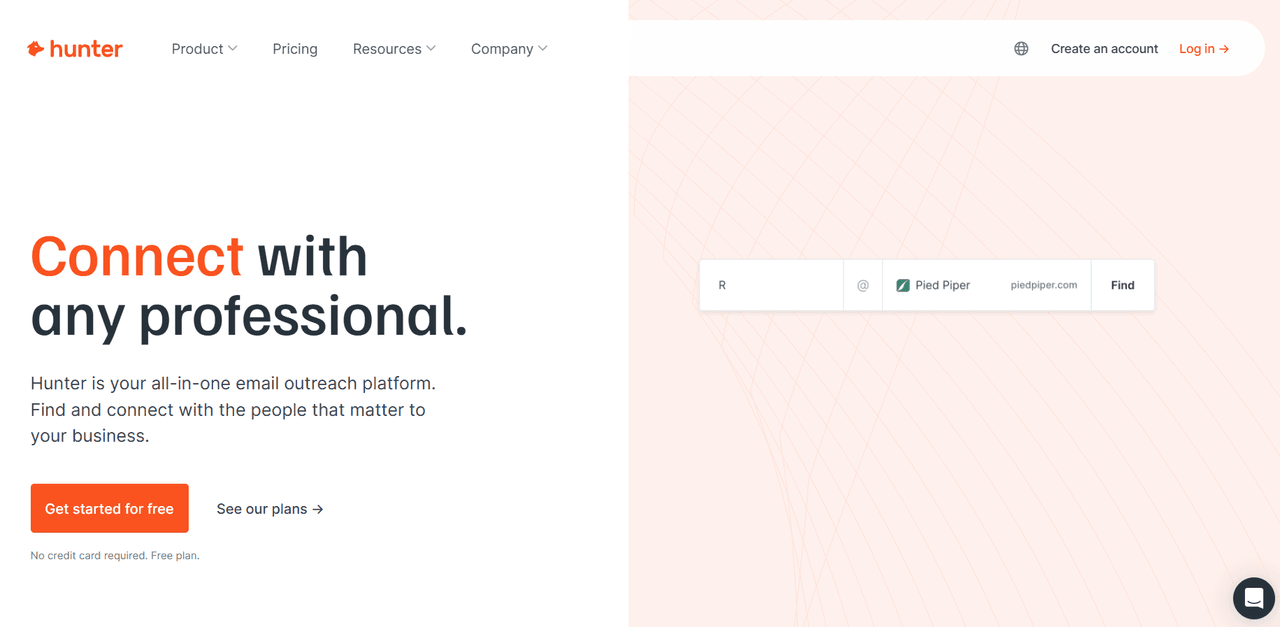
Hunter.io is the gold standard for finding and verifying professional email addresses. For small businesses that prefer a “sniper” approach to outreach over a “shotgun” approach, Hunter is indispensable.
AI-Powered Email Finder
Hunter uses pattern recognition and public data to find the right email format for almost any professional. In 2026, their AI Writing Assistant can then help you draft a personalized pitch based on the specific person and company you just found.
Domain Search & Signals
The Domain Search tool allows you to see all publicly available email addresses for a specific company, helping you identify the right decision-makers. Their Signals feature even alerts you when a company has a new job opening or a recent news event, providing a perfect “hook” for your outreach.
Deliverability Protection
Nothing hurts a small business’s reputation like a high bounce rate. Hunter’s Email Verifier performs multi-level checks (SMTP, domain, and server response) to ensure your emails actually land in the inbox, protecting your sender score.
7. Calendly: Scheduling Automation
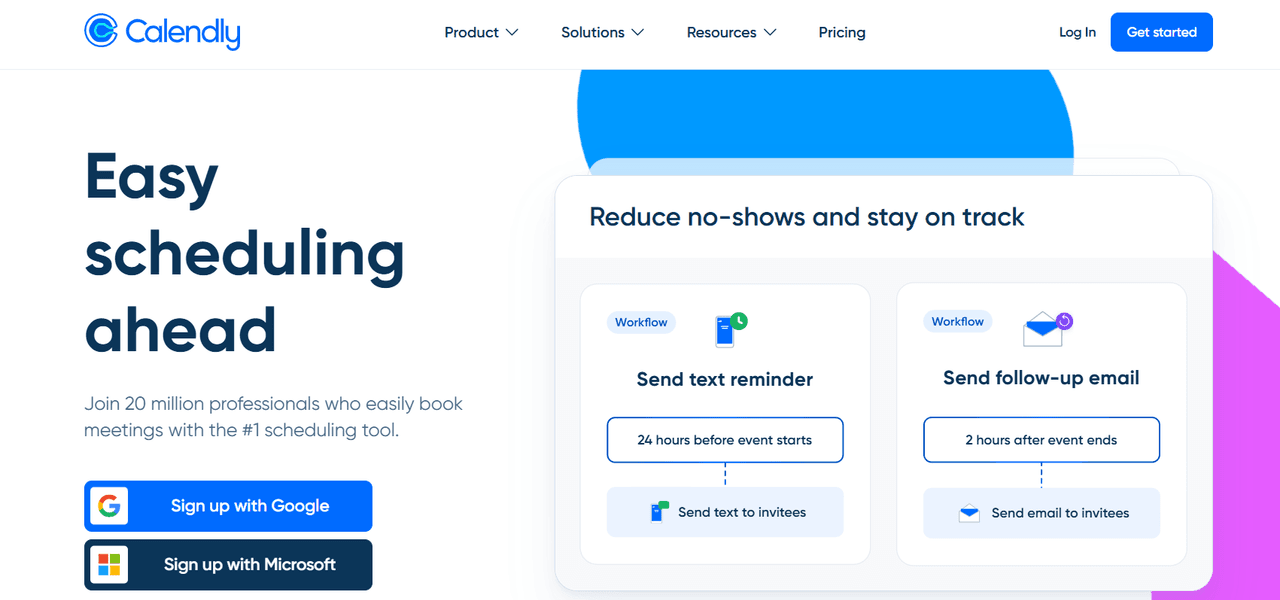
The “back-and-forth” of scheduling a meeting is one of the biggest time-wasters in sales. Calendly eliminates this friction, allowing prospects to book time on your calendar with a single click.
Routing Forms and Qualification
For small businesses with high lead volume, Calendly’s Routing Forms are a game-changer. You can ask qualifying questions before a meeting is booked; if the lead isn’t a fit, the system can provide them with resources instead of a meeting link, saving your reps’ time.
Automated Workflows
Calendly doesn’t just book the meeting; its Workflows handle the “before and after.” It can send automated SMS reminders to reduce no-shows and follow-up emails with resources or a link to book the next step immediately after the call ends.
Meeting-to-Pipeline Continuity
By integrating with your sales tools, Calendly ensures that every booked meeting is automatically logged. This creates a “single source of truth” and ensures that your forecasting is based on actual scheduled activity.
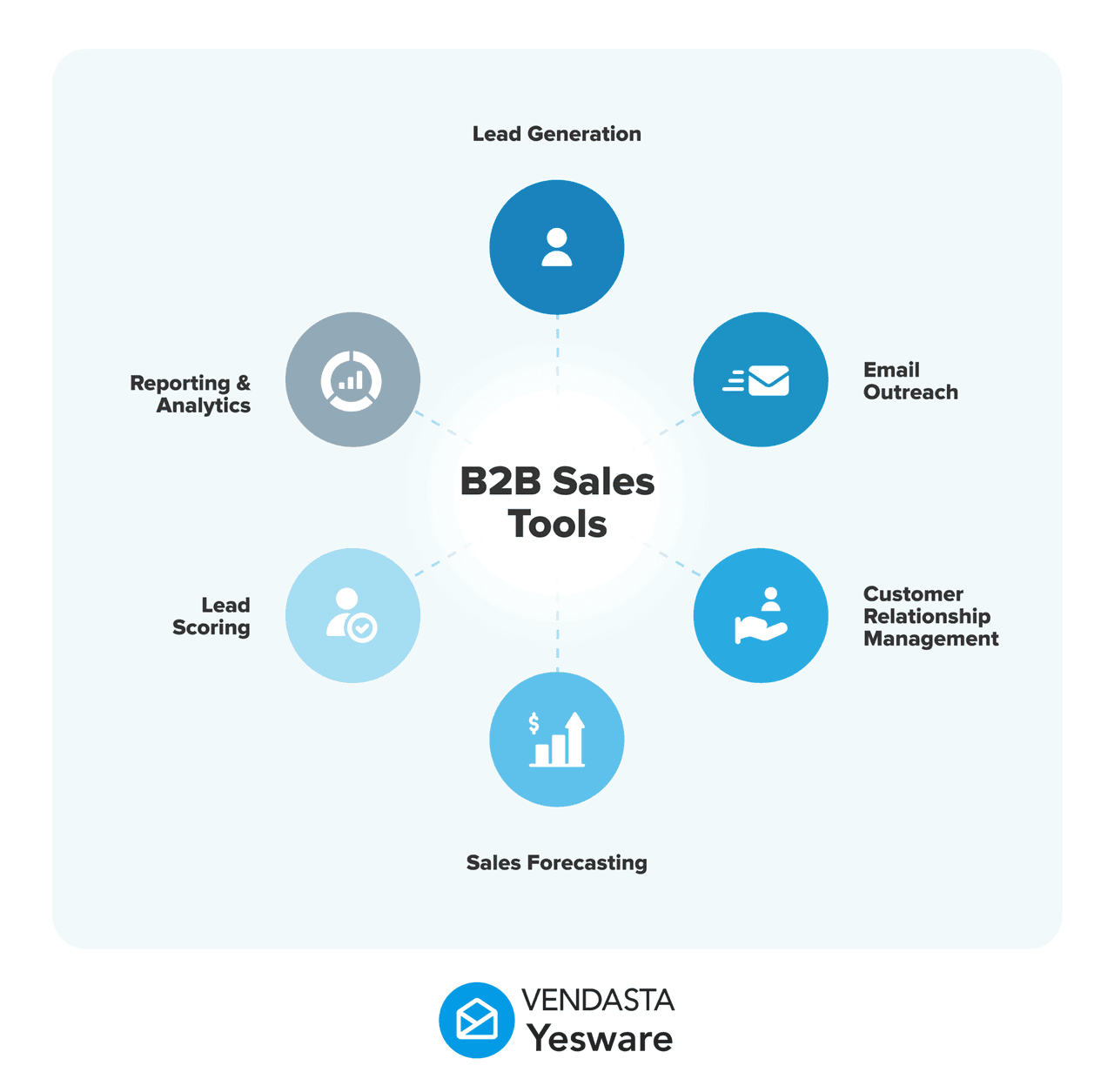
How to Choose the Best Sales Automation Software for Your Small Business
With so many options on the market, it is easy to get “shiny object syndrome.” To stay focused and ensure you’re investing in a tool that actually moves the needle, ask these three critical questions:
1. Does It Work Where You Already Work?
Small business sales reps don’t have time to toggle between five different browser tabs or manually log data into a secondary platform. The best sales automation software for small businesses lives directly inside your existing Gmail or Outlook environment.
When your automation tools are integrated into your inbox, your team’s adoption rate skyrockets because the software feels like a natural extension of their existing workflow rather than an “extra” task. Look for tools that offer:
- Native Inbox Integration: You should be able to track emails, insert templates, and manage campaigns without leaving your message pane.
- Two-Way CRM Syncing: Ensure that every interaction—every open, click, and reply—is automatically logged into your CRM (like Salesforce or HubSpot) in real-time.
- Mobile Accessibility: In 2026, field sales and remote work are the norm. Your chosen tool must offer a robust mobile app or mobile-responsive interface so you can track engagement on the go.
2. Is the Setup Frictionless and Self-Serve?
If a tool requires an outside consultant, a dedicated IT department, or a month of “onboarding” calls just to send a tracked email, it isn’t built for a small business. Complex implementation is the #1 killer of ROI for SMBs.
Instead, look for self-serve models like Yesware that prioritize a “plug-and-play” experience. A frictionless setup means:
- No Code/No IT Required: You should be able to install the extension and start selling in under 60 seconds.
- Intuitive UI: The interface should be simple enough that a new hire can master it in an afternoon without a 50-page manual.
- Transparent Pricing: Avoid “hidden” implementation fees or forced annual contracts. High-quality SMB tools usually offer a free forever tier or a low-cost entry point ($15–$20/month) so you can prove the value before you scale.
3. Does It Provide Actionable Insights Rather Than Just Data?
Automation should make you smarter, not just faster. A common mistake is choosing a tool that sends thousands of emails but doesn’t tell you which ones are working. Your software should act as a compass, pointing you toward the hottest leads.
To get the most out of your investment, ensure your software provides comprehensive Engagement Reports that answer:
- Who is engaged? Real-time notifications for opens and link clicks tell you exactly who to call right now.
- What content is winning? Template Reports should show you which subject lines and body copy have the highest reply rates, allowing you to turn your top rep’s best email into a team-wide standard.
- Where are deals stalling? Attachment tracking can show you if a prospect actually looked at your proposal or if they got stuck on the pricing page, giving you the perfect “hook” for your follow-up.
Choosing the right automation is just the first step. To help you map out your entire growth journey, we’ve created a comprehensive blueprint for small businesses.
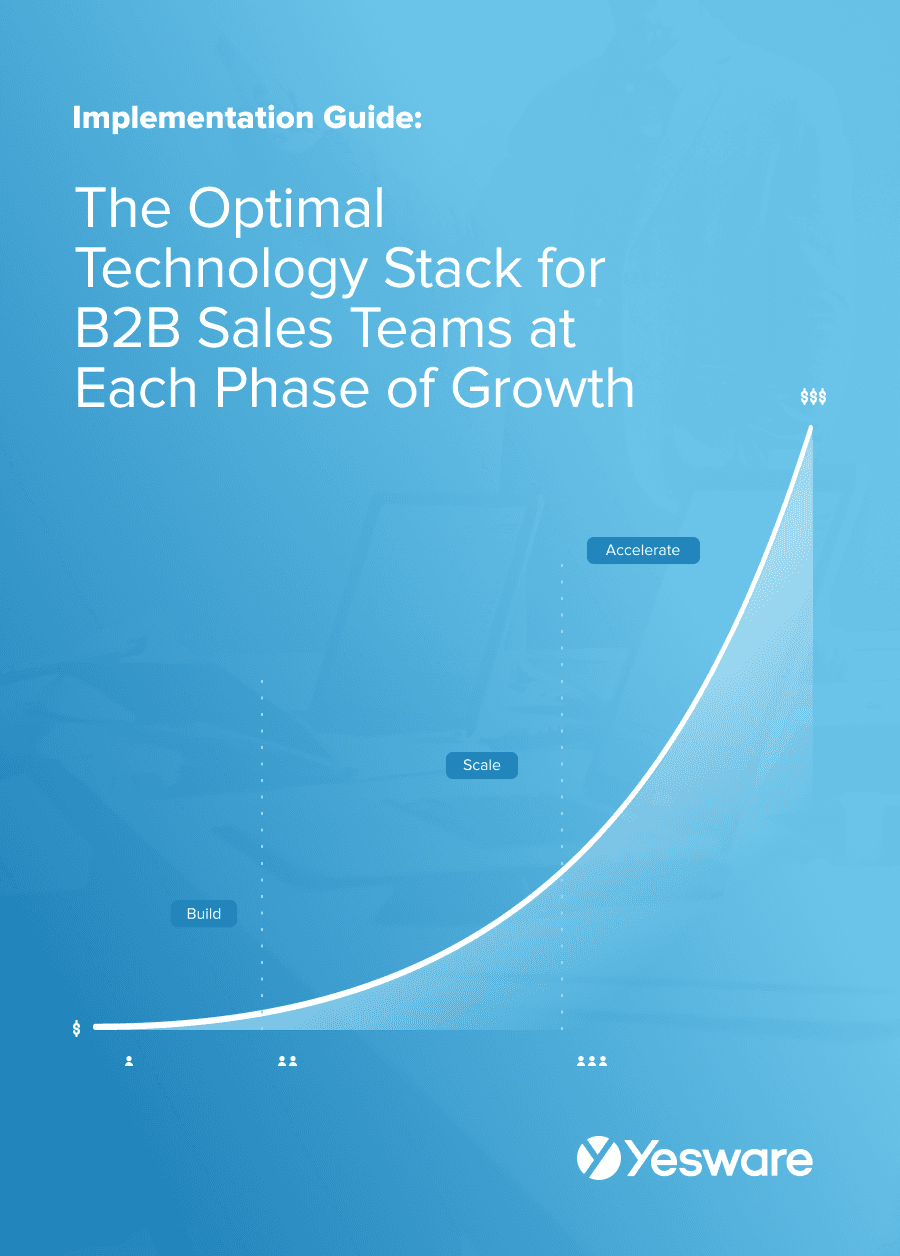 The Optimal Technology Stack for B2B Sales TeamsUsing data from the most successful business-scaling models, we designed a blueprint for the exact technology your business needs at each phase of growth.
Stop Working Harder, Start Selling Smarter
In 2026, the gap between small businesses that thrive and those that struggle is defined by how they manage their most limited resource: time.
As we’ve seen, the best sales automation software for small business isn’t about replacing the human element of sales. It’s about removing the manual “grunt work” that keeps you from it.
By implementing a streamlined tool like Yesware, you aren’t just sending emails; you’re building a scalable engine that:
- Saves 4–6 hours per week on repetitive follow-ups.
- Identifies “hot” leads instantly through real-time engagement alerts.
- Boosts revenue by up to 30% by ensuring no lead ever falls through the cracks.
You don’t need an enterprise-sized budget or a complex IT team to see these results. You simply need a tool that works where you do.
Take the first step toward a more productive sales cycle today. Try Yesware for free and experience the 60-second setup that will transform your inbox into your most powerful sales asset.
Best Sales Automation Software for Small Businesses FAQs
1. What is the best sales automation software for small business?
Yesware is the top-rated choice for small businesses because it provides essential tools like email tracking and campaign automation with a 60-second setup. It allows small teams to compete with larger enterprises without the need for complex IT infrastructure or months of training.
2. How does sales automation help small teams save time?
Sales automation handles repetitive tasks like manual data entry, follow-up scheduling, and meeting coordination. By using Yesware, sales reps save an average of 4–6 hours per week, allowing them to focus on high-value activities like relationship building and closing deals.
3. Do I need a complex CRM to use sales automation?
No. While large platforms exist, the best sales automation software for small business often lives directly in your inbox. Yesware integrates seamlessly with Gmail and Outlook, giving you powerful automation features without the “tech bloat” or high costs of an enterprise CRM.
4. How can automation improve my email reply rates?
Automation allows you to send personalized follow-ups at scale. With Yesware, you can use high-performing templates and automated “touchpoints” that ensure you stay top-of-mind. Users often report a 32% increase in reply rates by leveraging these optimized, automated sequences.
5. What is the difference between sales and marketing automation?
Marketing automation focuses on top-of-funnel lead generation, while sales automation focuses on the 1:1 closing process. Tools like Yesware help you manage specific prospect interactions, providing real-time alerts when a lead engages with your content so you can act immediately.
6. Can small businesses afford sales automation software?
Absolutely. Modern tools are highly accessible. Yesware, for example, offers a “Free Forever” plan for core benefits, with professional tiers starting at just $15/user/month, making it easy for small teams to scale their outreach with a minimal budget.
7. Does sales automation make emails look like spam?
Not if you prioritize “human-in-the-loop” automation. High-quality tools like Yesware allow for deep personalization within automated campaigns and use Custom Tracking Domains to ensure your emails bypass spam filters and maintain a professional, 1:1 appearance.
8. How do I know which prospects to follow up with first?
The best software uses engagement data to prioritize your list. Yesware provides real-time notifications and engagement reports, surfacing the “hottest” leads who are currently opening your emails or viewing attachments so you never waste time on cold prospects.
9. Is it hard to set up sales automation for a small team?
The best SMB tools are designed for a 60-second setup. Unlike enterprise software that requires IT support, Yesware is a simple browser extension that works immediately, ensuring your team sees a return on investment on day one without a steep learning curve.
10. Can I track if a prospect opens my sales proposal?
Yes. Advanced sales automation includes Attachment Tracking. Yesware notifies you the moment a prospect opens a PDF or deck and shows you exactly which pages they spent the most time on, helping you tailor your follow-up conversation perfectly.
Get sales tips and strategies delivered straight to your inbox.
Yesware will help you generate more sales right from your inbox. Try our Outlook add-on or Gmail Chrome extension for free, forever!
Related Articles


Anya Vitko


Casey O'Connor

Casey O'Connor
Sales, deal management, and communication tips for your inbox